01
Integrated Document Management
Attach contracts, certificates and correspondence directly to any record.
 Solutions
A powerful, centralised hub for managing all employee data throughout the entire employment lifecycle.
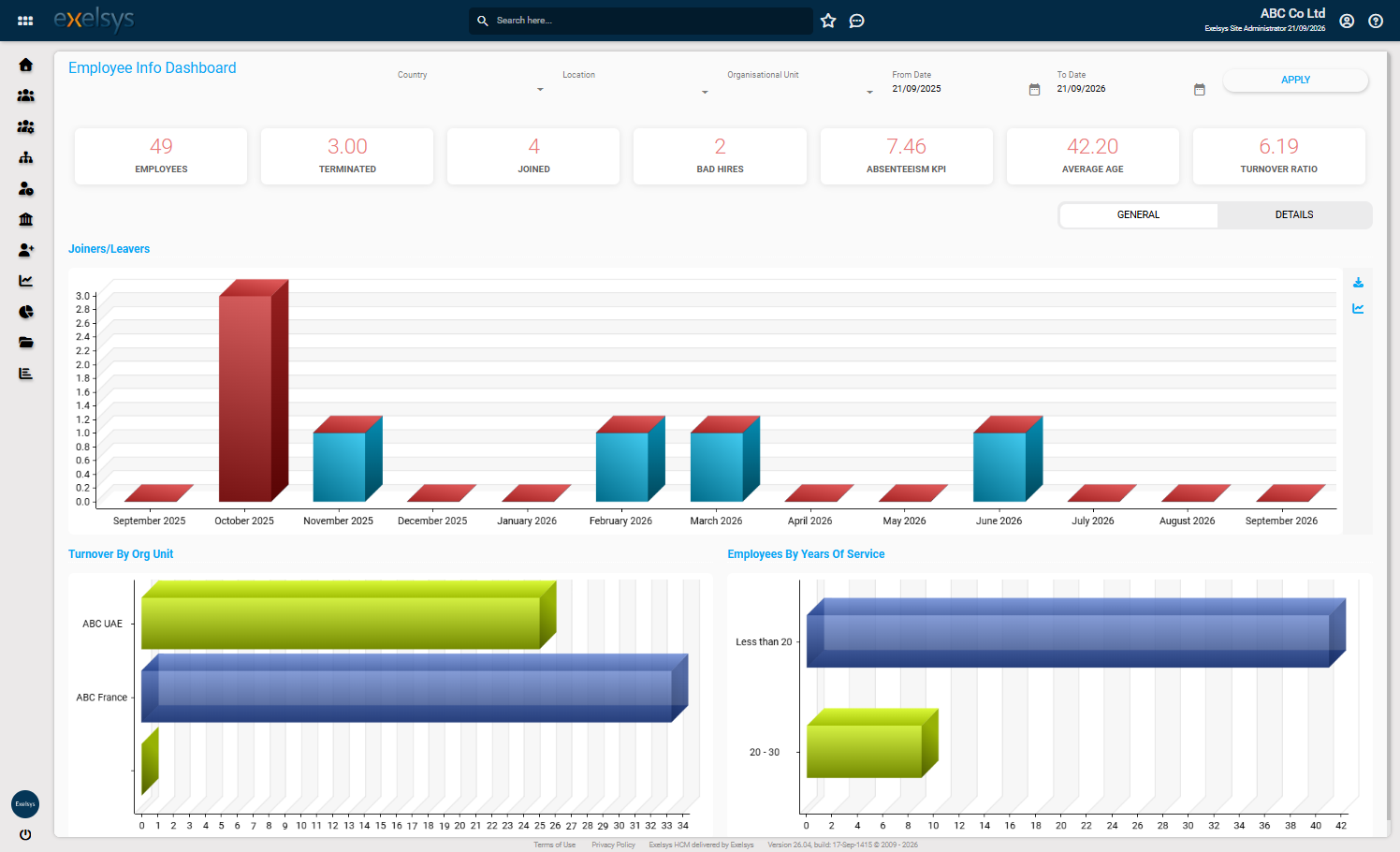
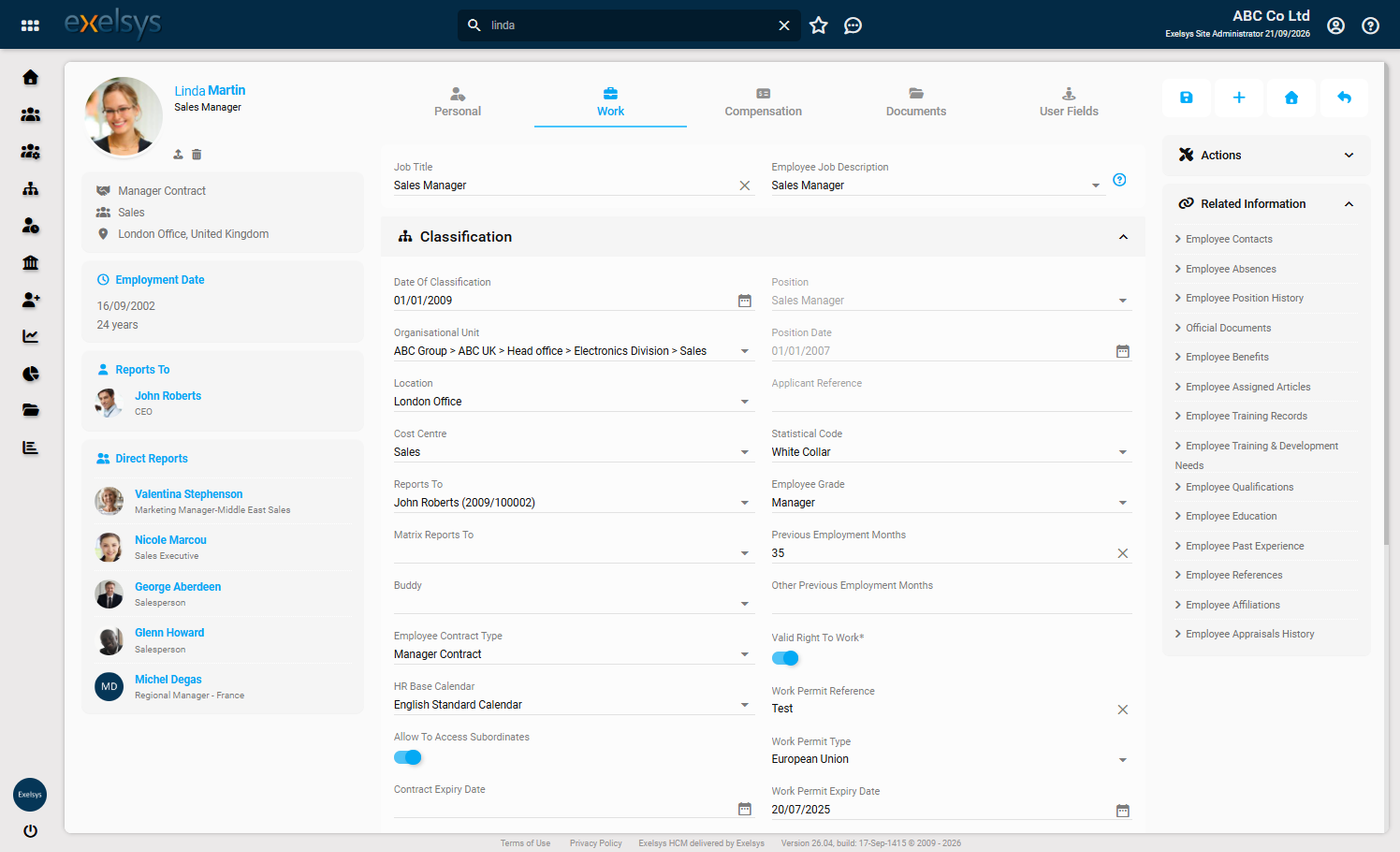
Centralises all employee data in a secure, cloud-based platform accessible anytime, anywhere. Allows HR Administrators to manage personal details, job history, qualifications, documents and more within a single system.
A central record accessible 24/7 from any device, covering contracts, qualifications, training, benefits and disciplinary history.
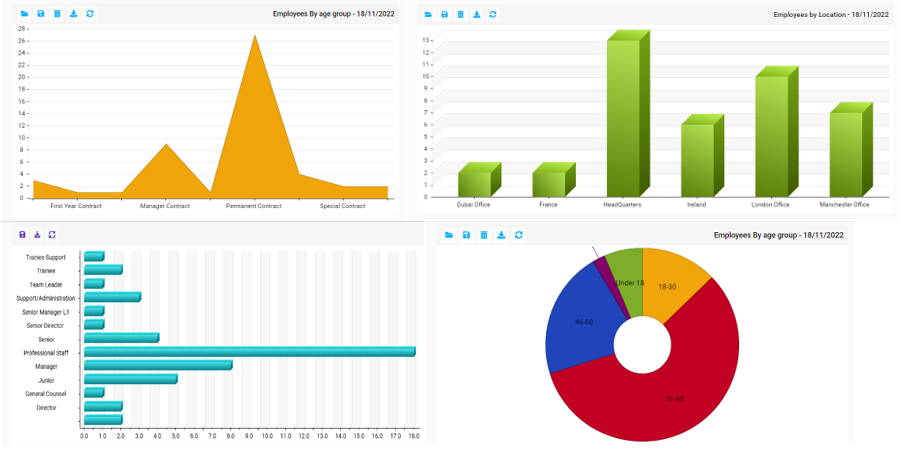
Dashboards and KPIs across group and multi-country structures.
Attach contracts, certificates and correspondence directly to any record.
Every change and function is logged, tracking who changed what and when.
No plugins or installs, a modern browser is all staff need.
Fields, permissions and workflows adapt to how you already work.
Employee records scattered across spreadsheets and paper files
A single cloud system, accessible 24/7, holding contact details, qualifications, training, position history and more, in one place
No at-a-glance view of headcount or KPIs
Dashboards give at-a-glance view of your data and key metrics
Exporting data for external analysis is a manual reformatting job
Export to Excel, Word, PDF, XML or CSV, or analyse it in Power BI via the OData protocol
An innovative, cost-effective HR solution that automates key processes, from holiday approvals and training requests to appraisals, expense claims, and beyond.
Automate leave policies, reduce absenteeism and give employees self-service holiday and sickness booking.
Plan, track and report on employee training - from course requests to certifications and development plans.
'/%3e%3cpath%20d='M300.2,290%20L245.9,290%20L160.2,152%20L245.9,14%20L300.2,14%20L210.4,152%20Z'%20fill='url(%23exelsysXGradRight)'/%3e%3c/svg%3e)

